Send Skribble emails from your own address
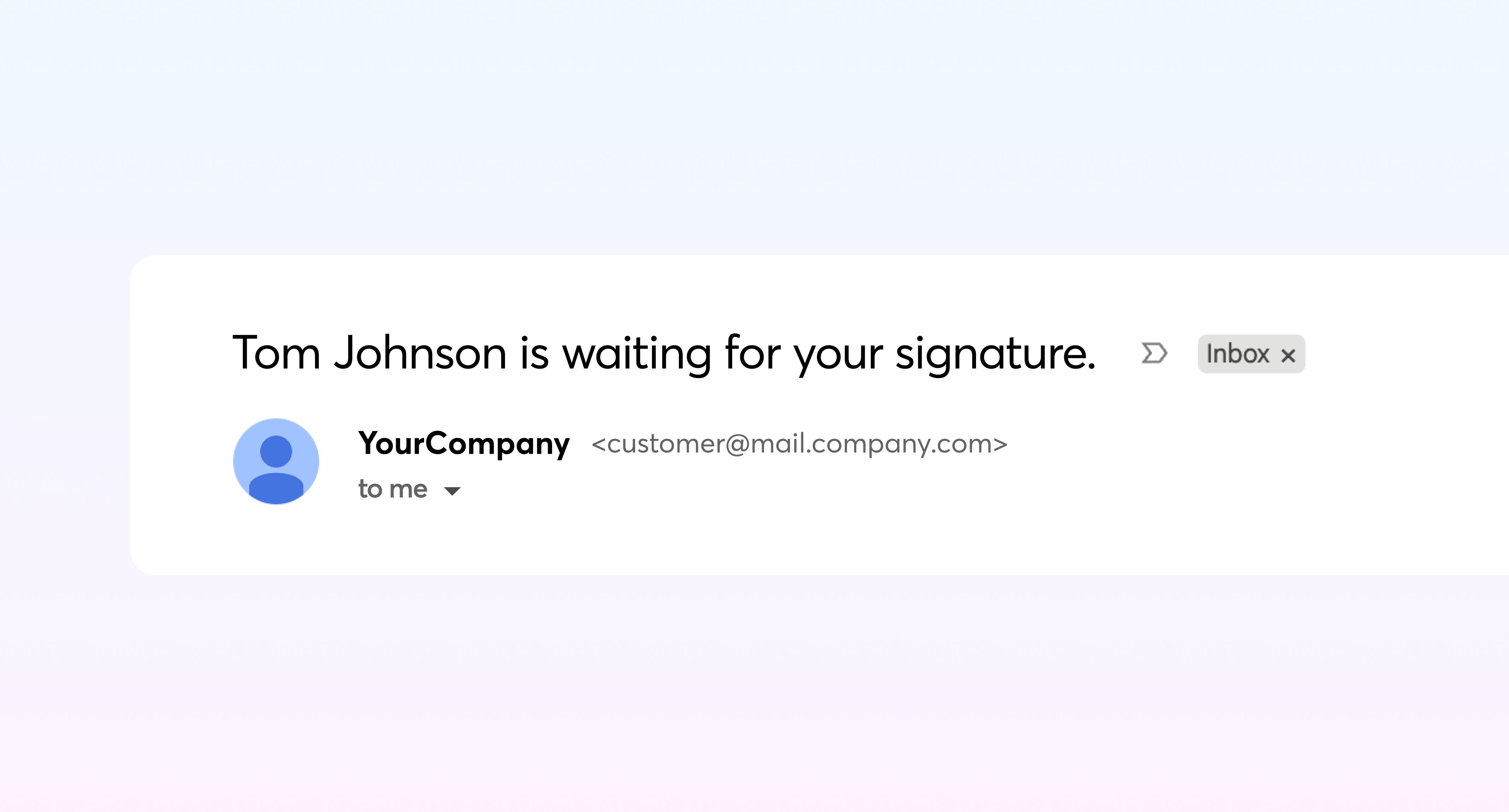
Make the signature requests be sent from your email address, instead of no-reply@mail.skribble.com.
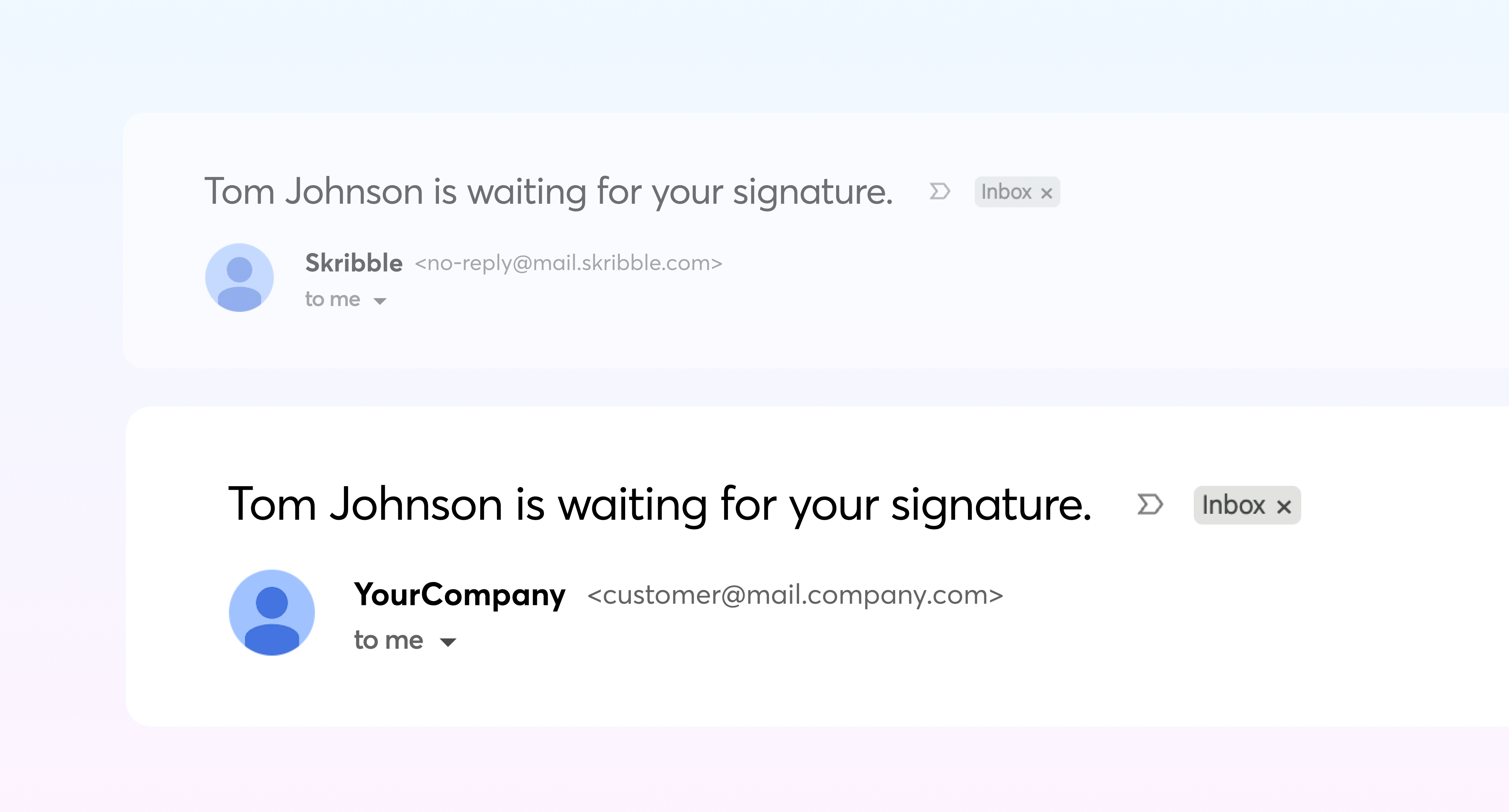
Your signers will see a sender address they recognise, translating into fewer ignored emails as unfamiliar and into a signing flow that stays consistently yours, from invitation to completed document.
How does it work?
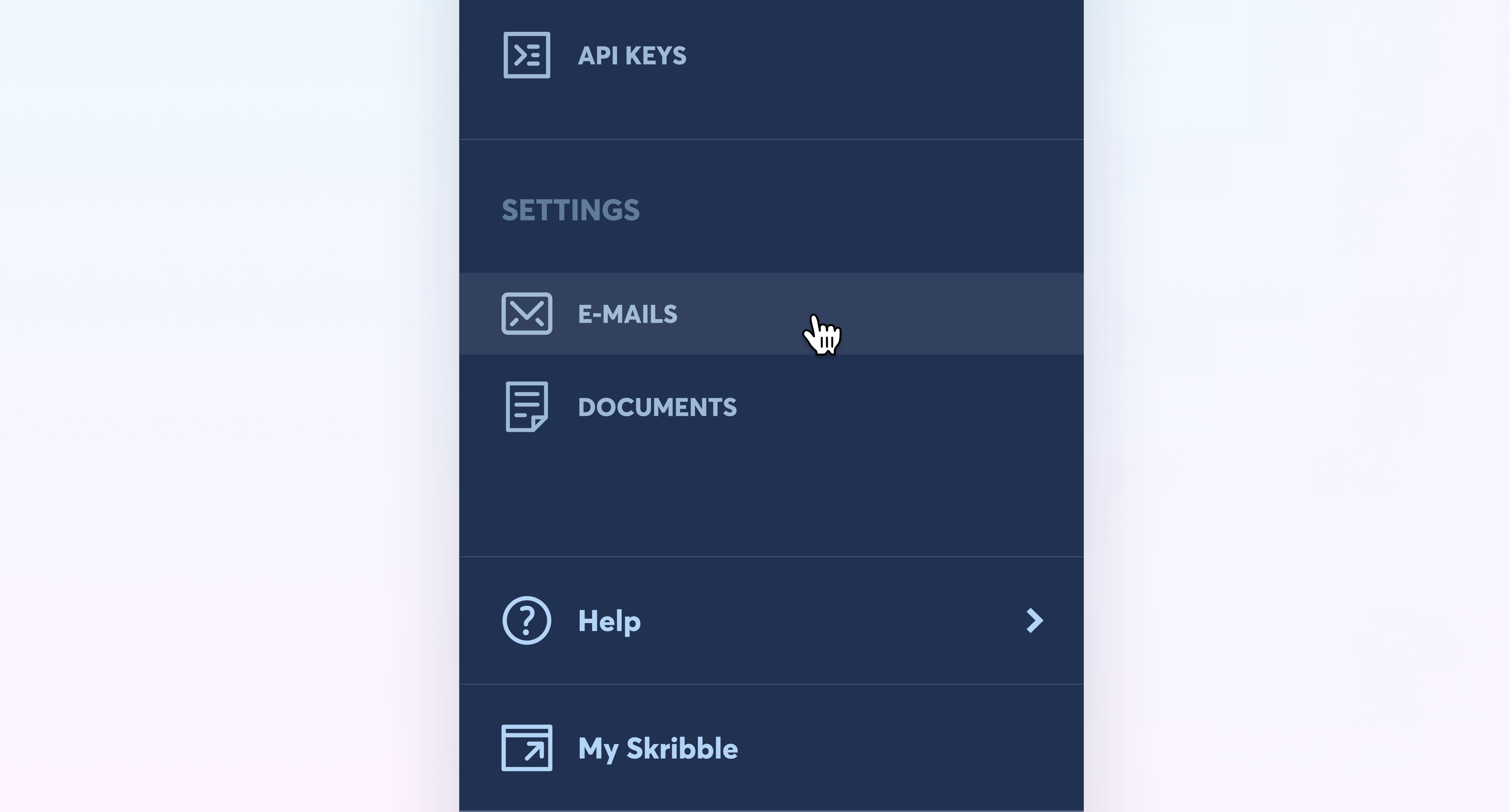
When enabled, in the admin area, you can configure your custom email address by accessing the email settings.
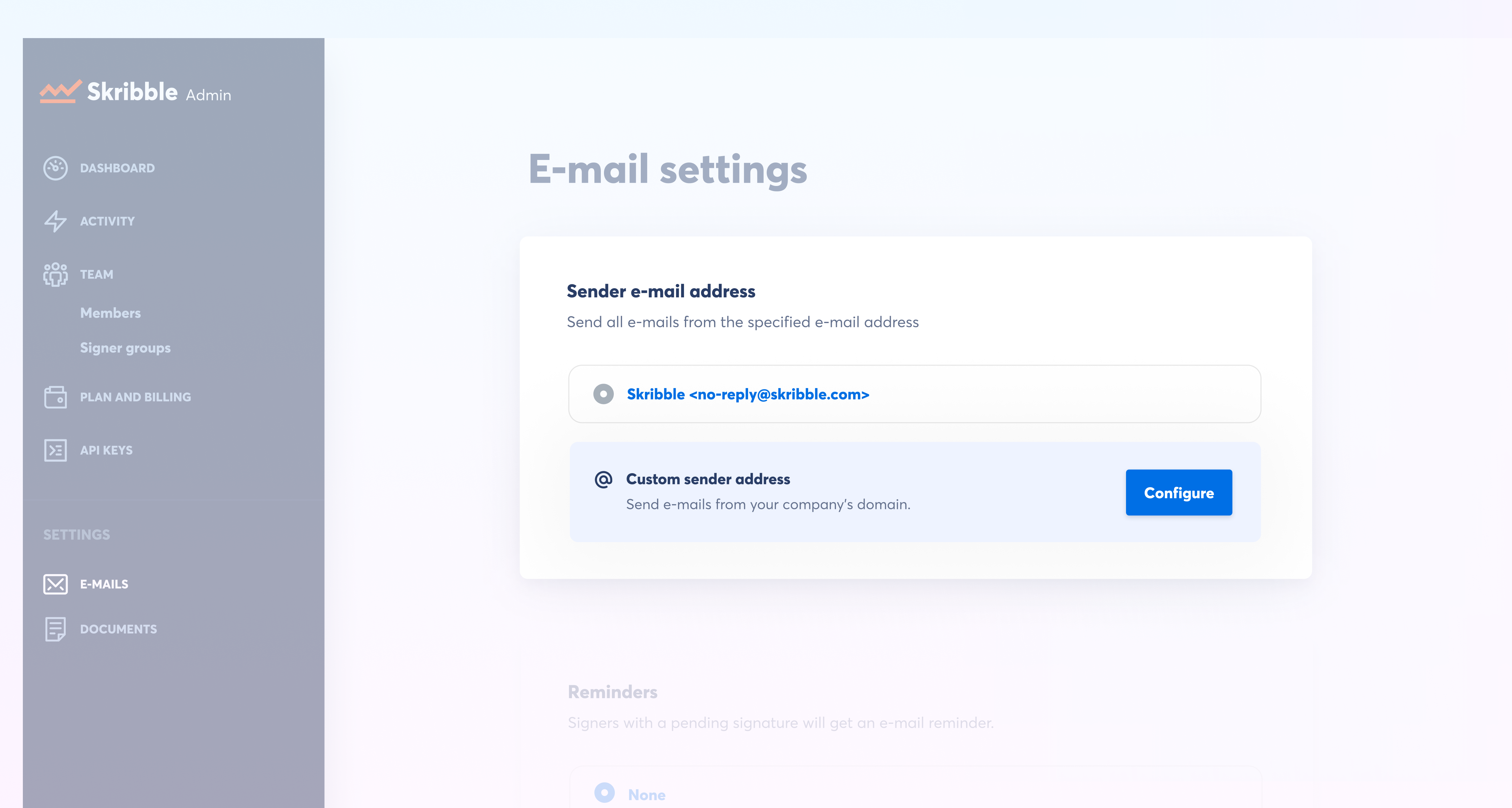
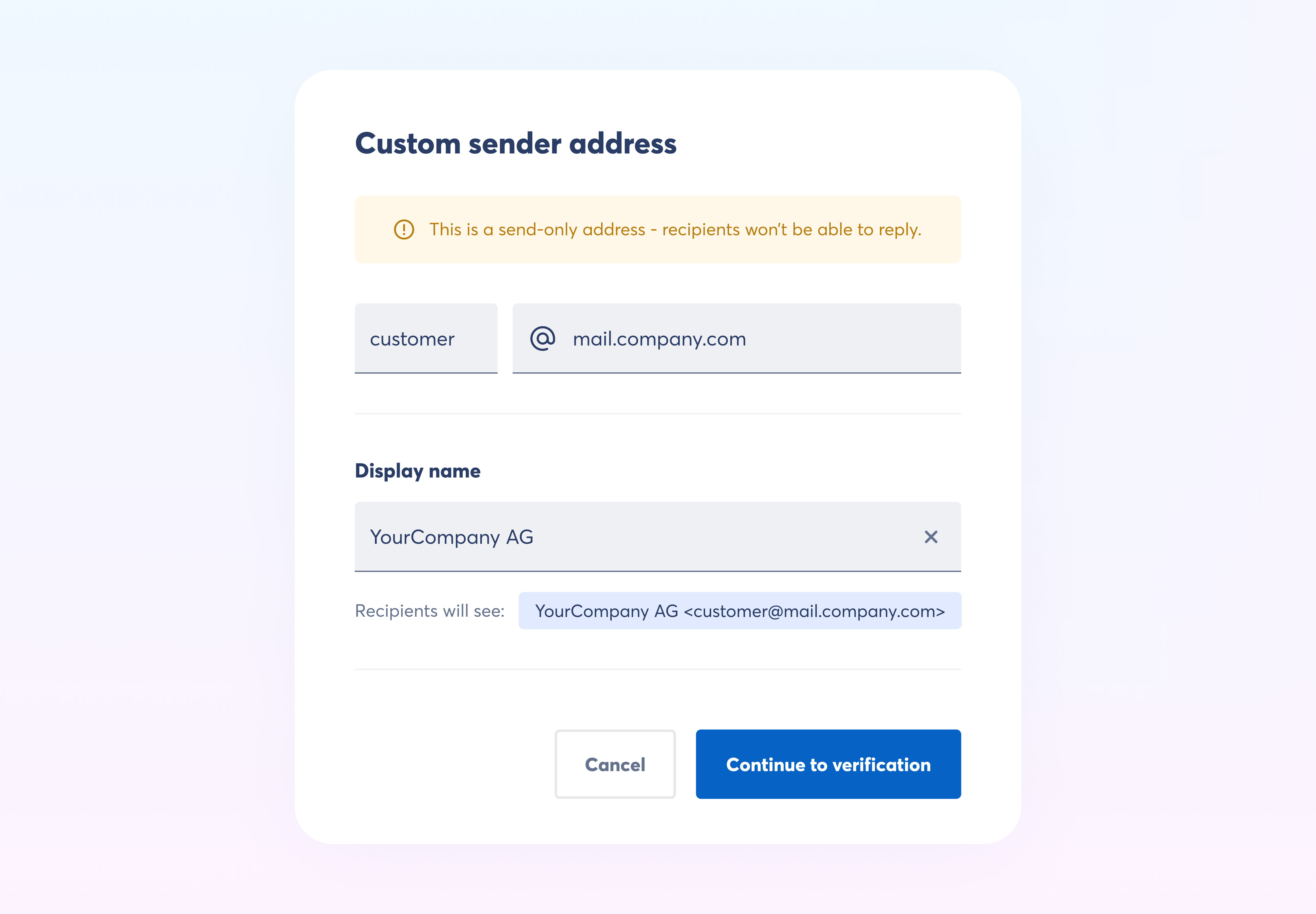
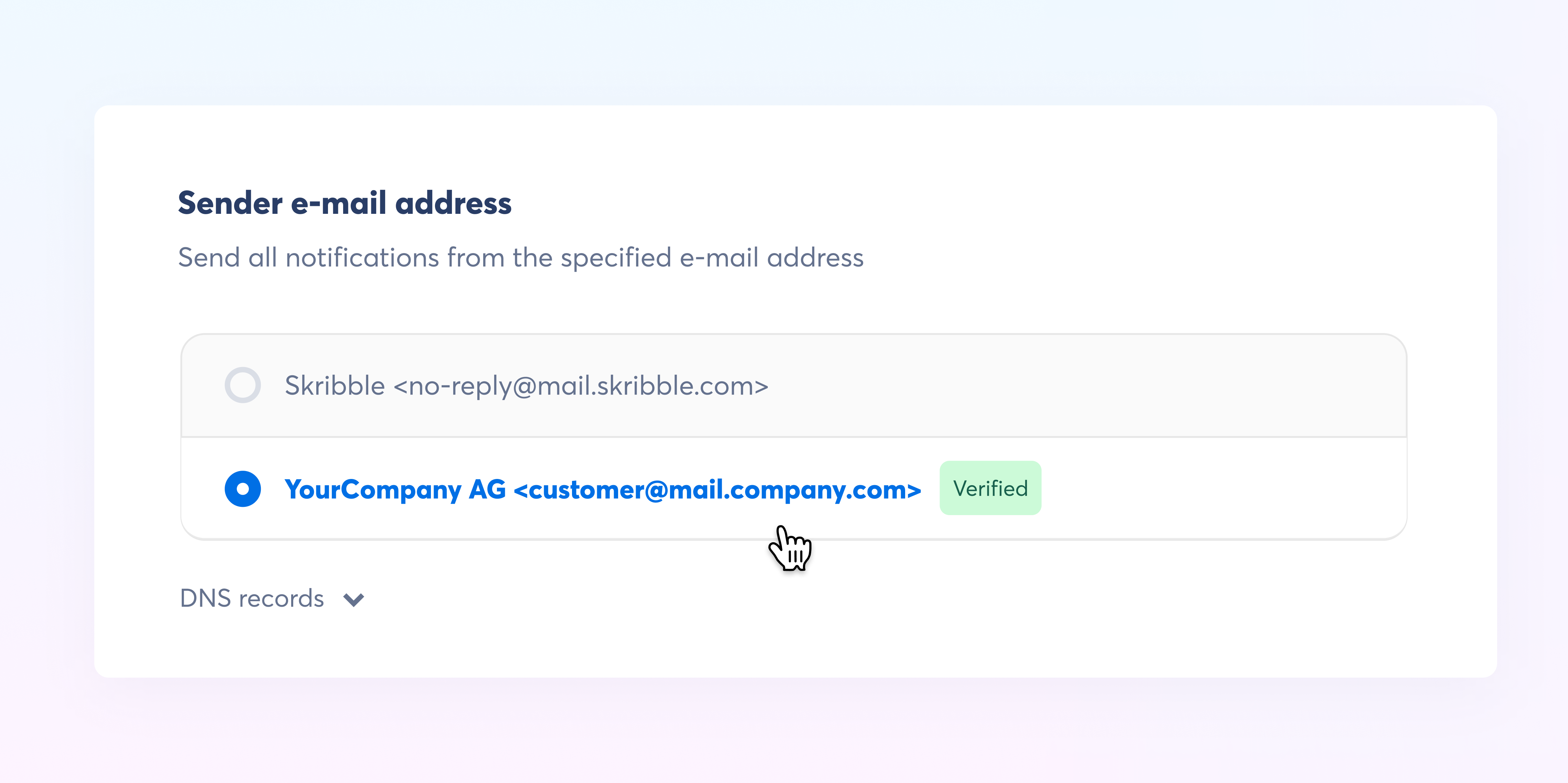
Configure the sender address and display name your signers will see. A preview shows how it appears in their inbox.
Note that this is a send-only address and signers won’t be able to reply to it.
All new custom sub-domains require configuring and verifying the DNS records. You can find more details about the process in our Skribble Docs.
After the custom sub-domain is verified you can select your address from the list and all the emails will be sent from the custom address.
Talk to your Customer Success Manager or Support to get your custom sender address.