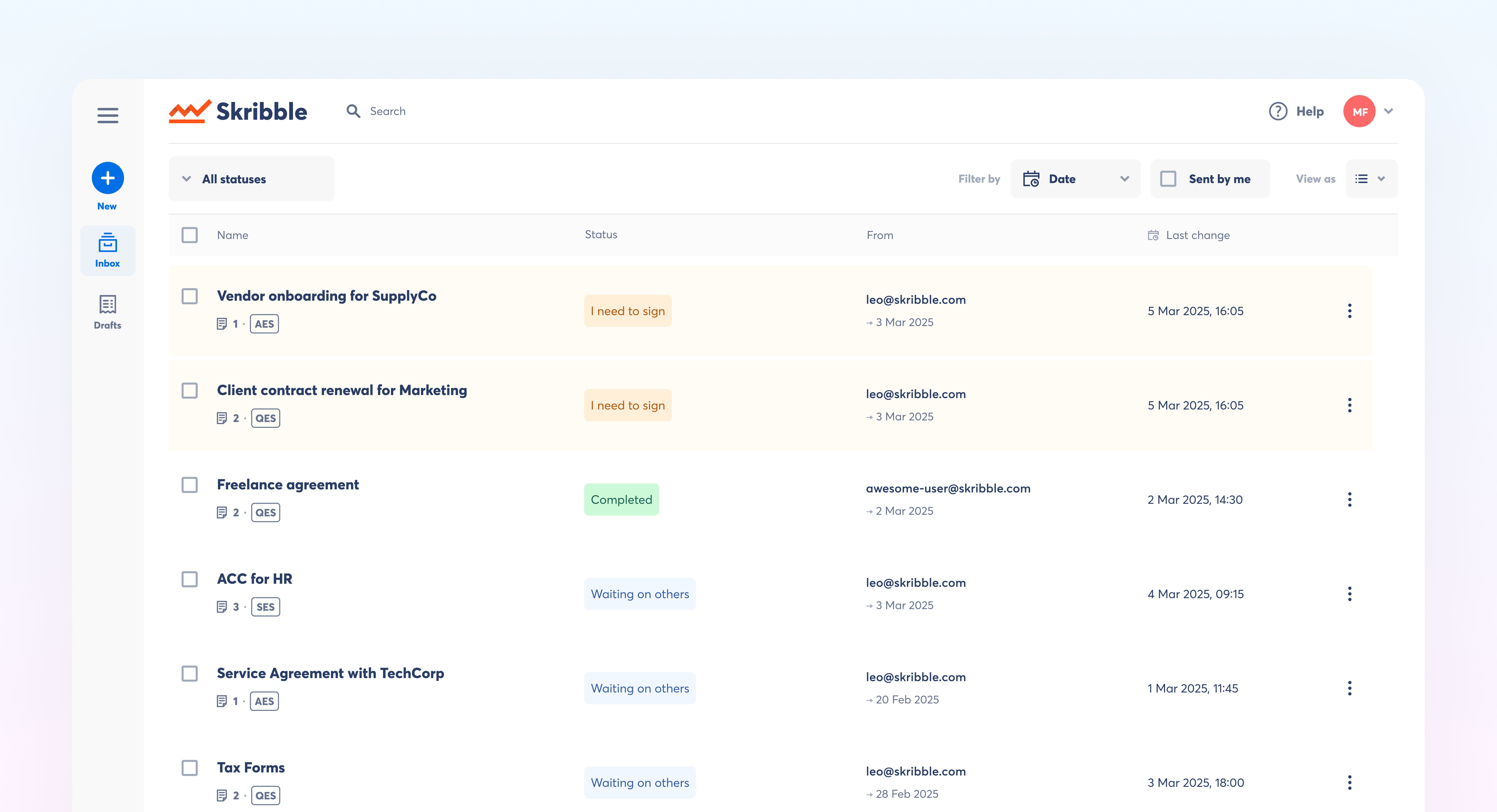
Find what matters faster. Our new Inbox helps you sort, filter, and manage signature requests, so nothing gets lost and action is quicker.
Available for Starter, Team, Pro, and Scale.
New ways to view your inbox
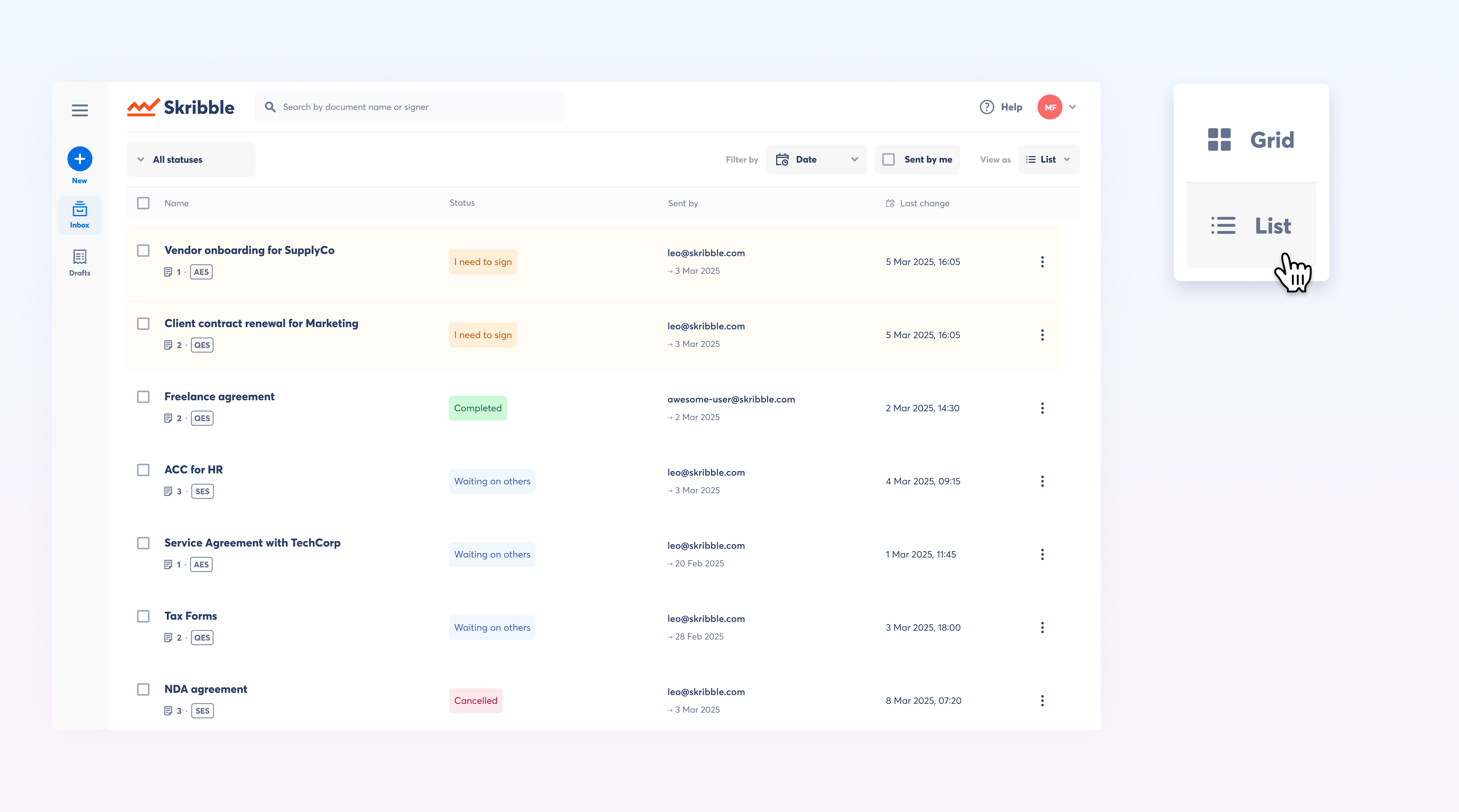
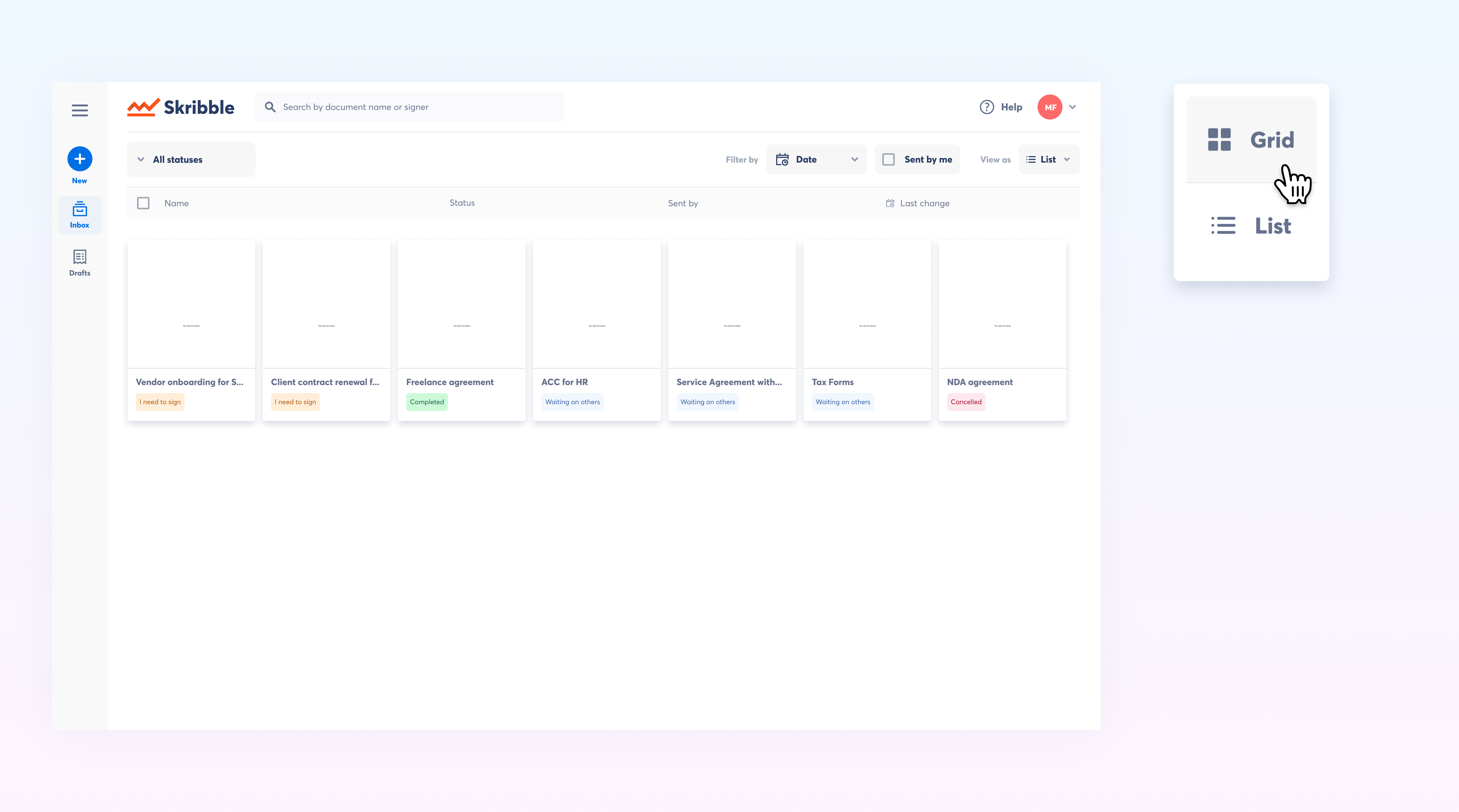
You can now choose between two view options to match your preference:
Grid View - Visual card layout that makes it easy to scan document thumbnails and quickly identify signature requests at a glance.
List View - Compact, detailed rows that provide a comprehensive overview with more information displayed per request.
New ways to filter your inbox
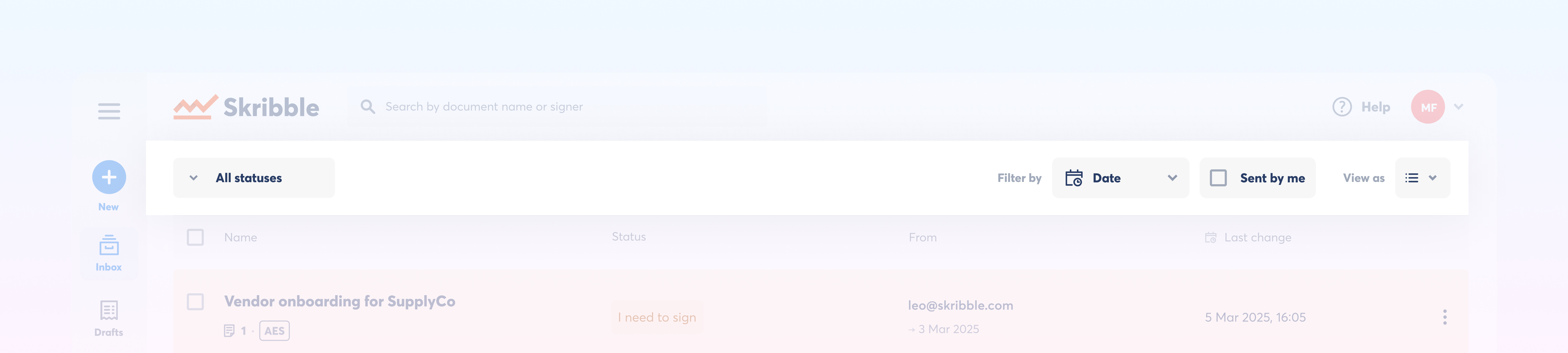
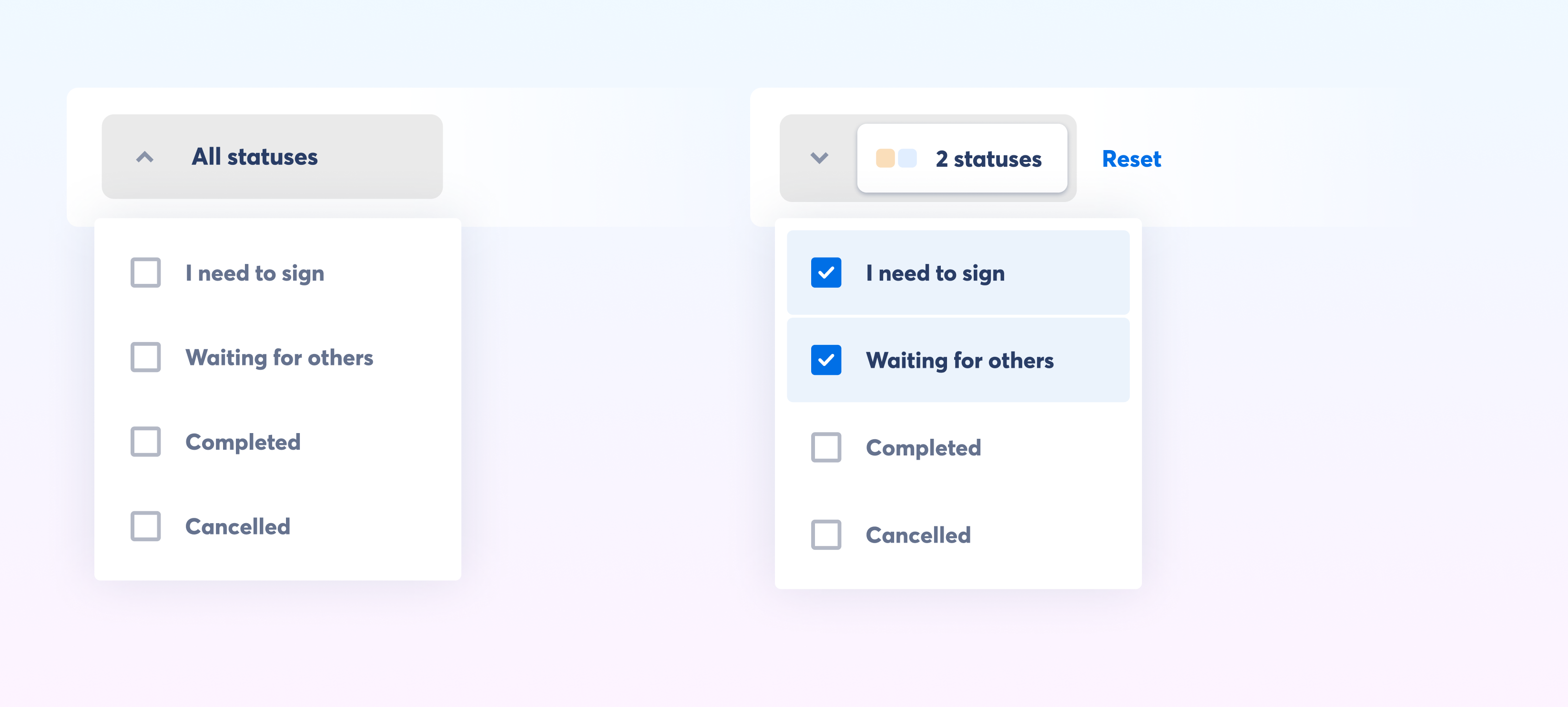
Filter by status - Choose to view one specific status or combine multiple statuses to customise your view based on what you want to track.
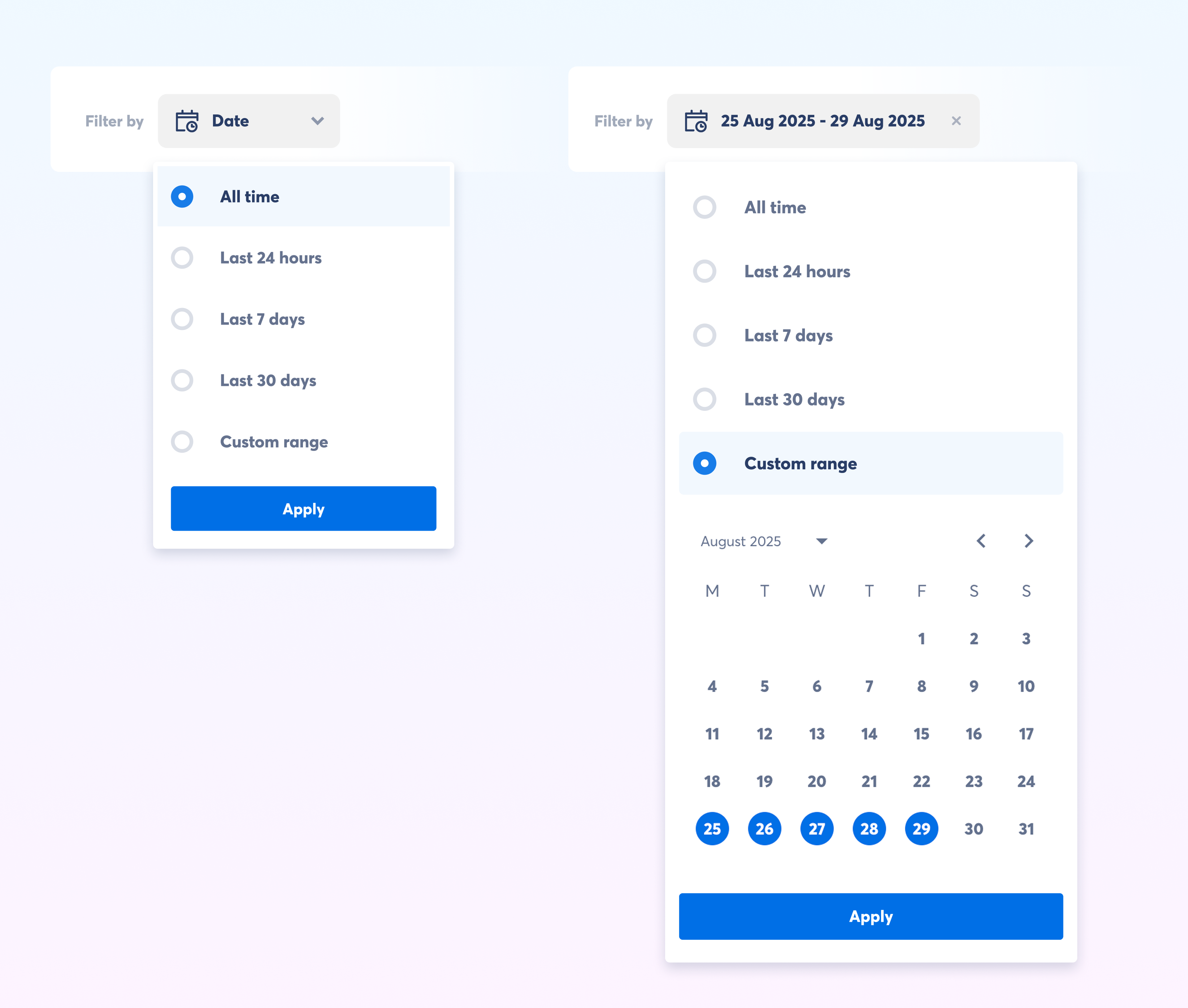
Filter by date - Narrow down requests by last updated date to quickly locate recent activity or to spot signature requests that have been inactive for a while.
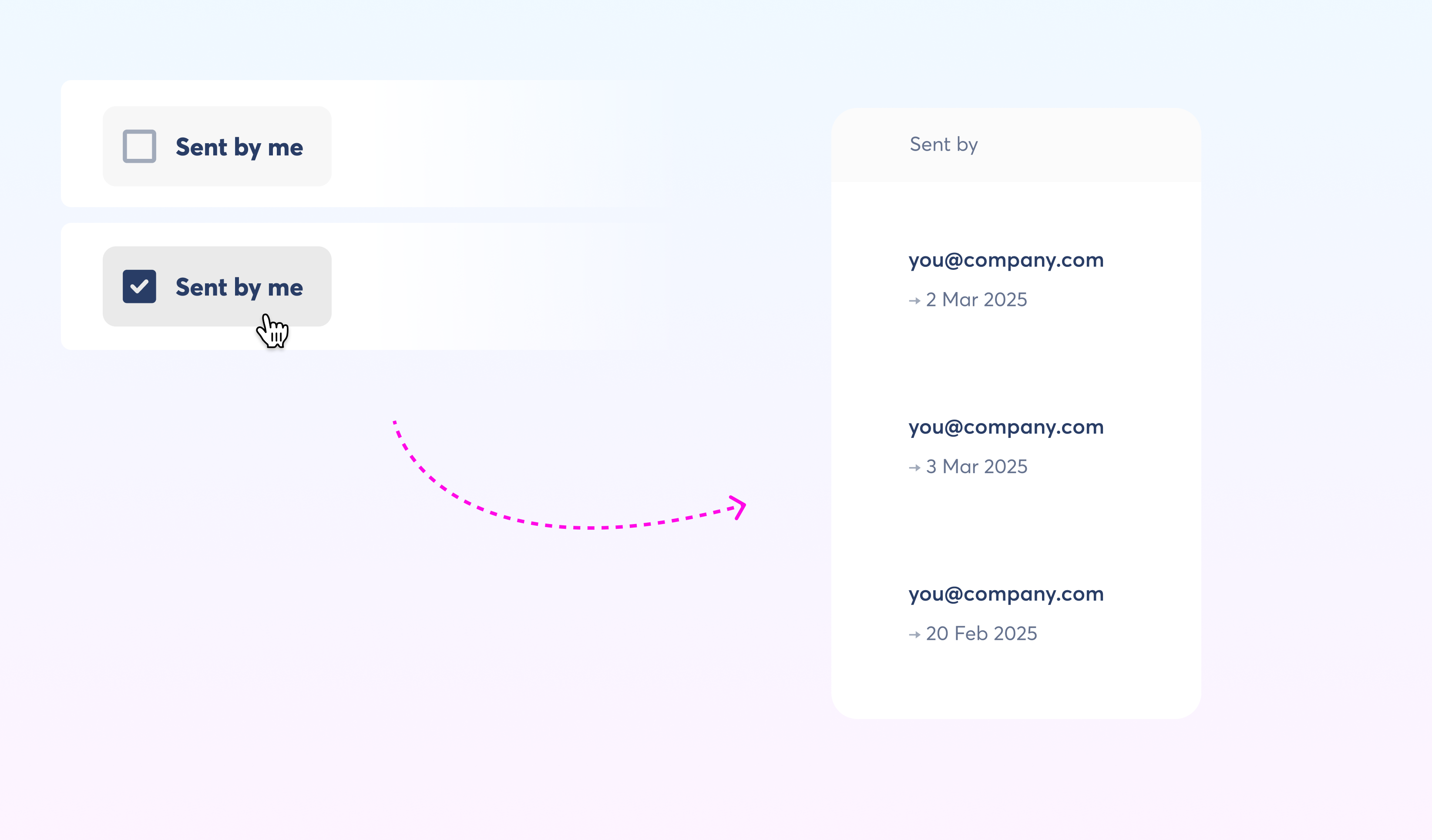
Sent by me - Show only signature requests you've created to easily monitor and manage your own documents.
These filters work together, so you can combine them to create precise views that match your workflow needs.
Additional improvements:
Enhanced bulk actions for managing multiple signature requests
Sortable columns in list view
Quick access to actions through overflow menus in grid view